I Spent 3 Months with
Claude Code
Here's My Setup
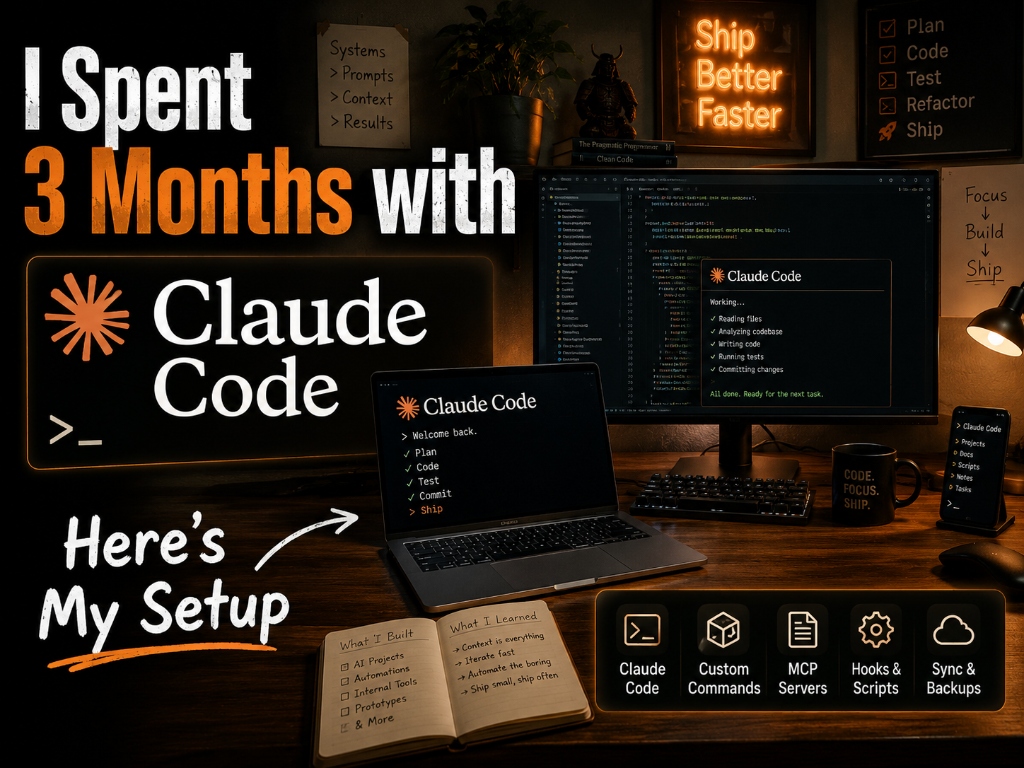
That was me—a skeptical developer who thought "AI CLI" was just a fancy autocomplete or another gimmick wrapper. I was completely wrong.
When you first install an AI coding assistant, it feels clunky. You fight with it, you give it the wrong context, and you spend more time fixing its mistakes than actually coding. But after 90 days of relentless tweaking, I finally broke through the friction.
This isn't about letting AI write your code. This is about building a completely frictionless terminal workflow where an intelligence constantly rides shotgun.
🎁 Wait... You Just Want to Use AI Today?
I know what you're thinking: "This sounds super technical. I just want AI to help my business right now without coding."
Before we dive into the terminal hacking, here are 3 completely free resources you can use today to automate your work:
- Claude 3 Sonnet: The best free writer and logic analyzer right now. Much better than ChatGPT for natural, human-sounding writing. (claude.ai)
- Perplexity AI: Your new research assistant. It searches the live internet, reads multiple pages at once, and actually cites its sources. (perplexity.ai)
- LM Studio: If you have a decent Mac or PC, download this free app to run smaller AI models locally with one click. It's like having your own offline ChatGPT. (lmstudio.ai)
The Future Belongs to the Builders.
If you're content just using the free tools above, that's fine. But if you want to understand how the future is actually built—and how top engineers are 10x-ing their output—keep reading.
Don't Get Left Behind
Join 5,000+ ambitious founders getting weekly, actionable insights on how to scale using AI.
100% Signal. No spam. Unsubscribe anytime.
Alright, let's break down the technical setup that changed everything.
01 My Daily Driver Aliases
The biggest bottleneck to using AI in the terminal is typing the full commands and feeding it context. These simple aliases eliminate the friction.
# Quick access
alias c="claude"
alias cw="claude --dangerously-skip-permissions"

# Project context
alias ctx="claude --print-only | head -50"
alias save="git add -A && git commit -m 'checkpoint: $(date +%H:%M)'"
02 Keybindings (No Brainer)
Stop reaching for your mouse to trigger code completions. Hooking Claude directly into your key chords makes it feel like a native extension of your thought process.
{
  "chords": [
    { "keys": "g c", "command": "claude" },
    { "keys": "g d", "command": "claude diff" }
  ]
}
03 The Game-Changing Workflow
The magic isn't in generating boilerplate. The magic is using Claude to persist your mental state across sessions. Here is the exact daily loop I use:
↓
Work → "continue from session.backup"
↓
Night → "checkpoint for tomorrow"
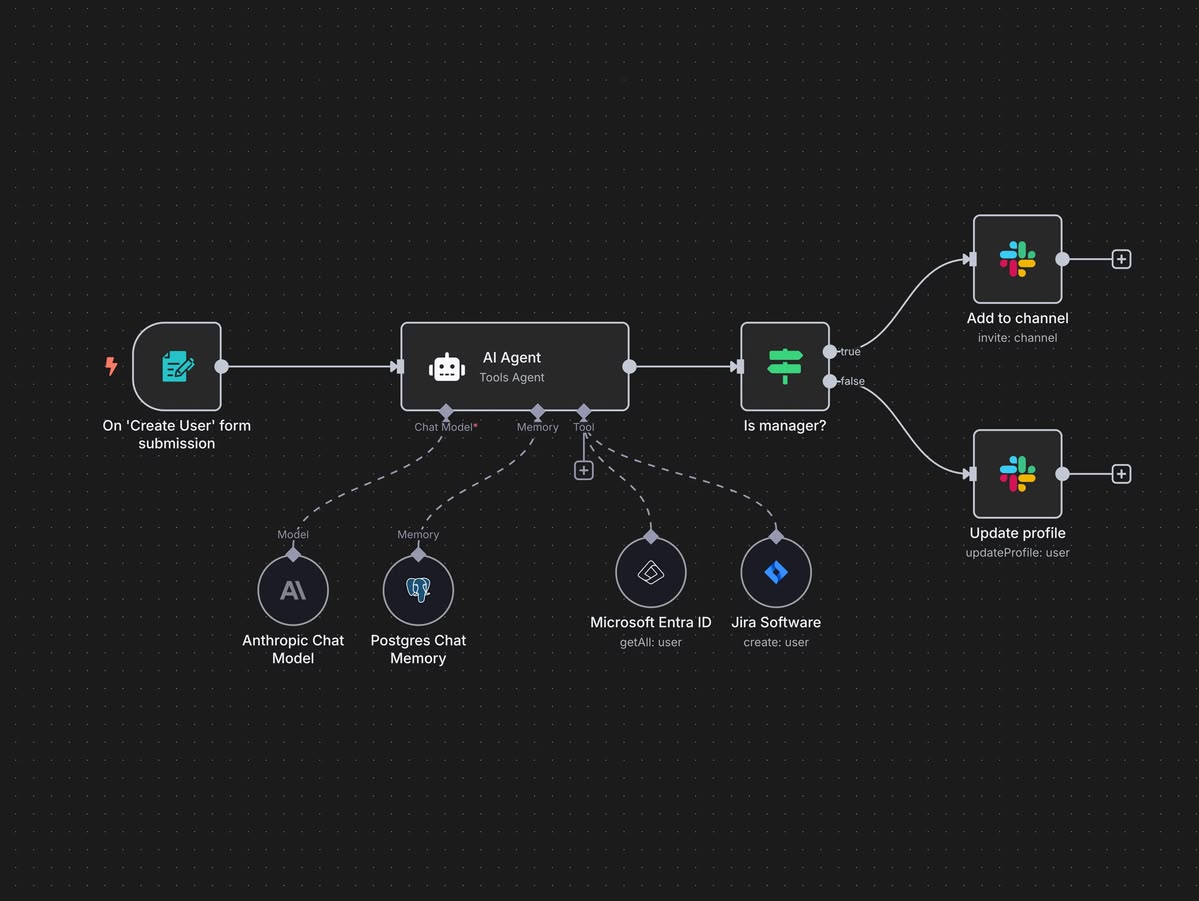
04 Tools & Integrations

| Tool | Integration Purpose |
|---|---|
| Warp | Claude native integration for lightning-fast command generation. |
| VS Code | Git context awareness directly in the editor. |
| Obsidian | Knowledge pull and documentation syncing. |
| tmux | Session persistence across restarts. |
05 The Numbers
You can't argue with data. Here is how my metrics shifted over the 3-month period.
| Metric | Before | After |
|---|---|---|
| Context switch time | 15 min/day | 2 min/day |
| Code review | 45 min | 20 min |
| Debug time | 2 hrs | 45 min |
06 What Nobody Tells You
- Permission fatigue is real: Configure your safety boundaries upfront. Otherwise, you'll spend half your time clicking "yes" to file modifications.
- MCP servers matter: Giving Claude secure read-access to your local database changes everything. It stops guessing schemas and starts writing precise queries.
- Daily prompts > one-off: Consistency compounds. Building a habit of passing your session state to the CLI is more valuable than asking it to write a 500-line script once a month.
07 The Takeaway
Three months in, the realization hit me: Claude Code isn't a tool. It's your second brain that codes.
Drop your setup in the comments — I read every one.